Video is a key element in business communication. It’s used by businesses to introduce new products, explain services and market brands and products on social media. Creating videos on a regular basis can be very time consuming.
However, using AI video generator tools can be an effective option to consider here. They can convert written scripts into videos without needing a full recording studio. Vidnoz AI integrates some of these tools and allowing businesses to jump from concept to video without going through so many manual steps.
Spend Less Time on Production With Vidnoz AI
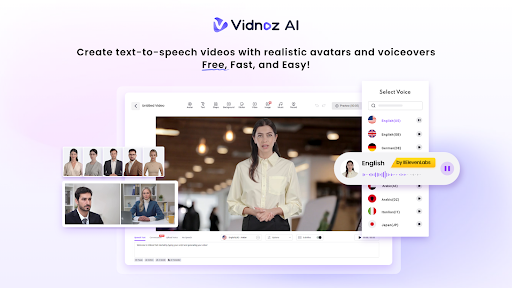
The Vidnoz AI video generator is an online platform that helps users create videos using AI voices, avatars, templates, and visual editing features. It can be utilized in business advertisements, product demos and presentations, tutorials, employee training, and social media updates.
Data protection is yet another factor to consider during picking a video generation platform. Vidnoz has been awarded with ISO/IEC 27001:2022 Certification. It means you can stay relaxed when using this platform regarding security of your data.
Key Features That Can Reduce Video Production Work
Here is a list of features that make Vidnoz AI worth considering
More Than 2,000 Lip-Sync AI Voices
Vidnoz AI currently has over 2,000 voices available for use and multiple language support on its platform. The users can type his script, choose the appropriate voice and create narration that matches the lip movement of the avatar.
It can be helpful for companies that make routine announcements, product explanations and guides for customers as they do not have to record new audio each time.
Over 2,800 Ready-to-Use Templates
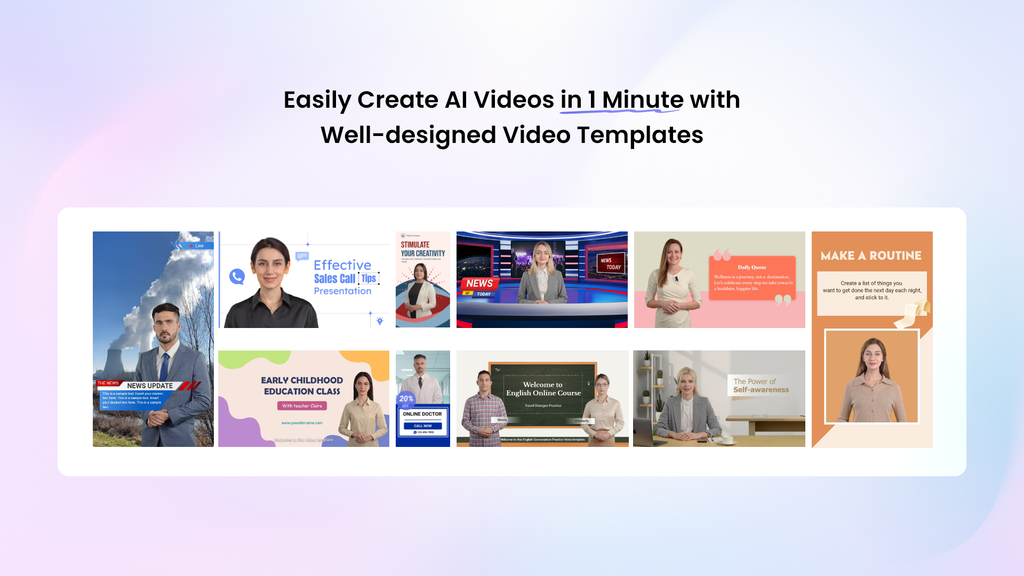
It takes time to create a new project for each video. With over 2,800 templates available, Vidnoz AI offers you a variety of template options from marketing and education to sales and business communication. These templates provide users with a pre-designed framework that can be customized using their content, images, and branding.
More Than 1,900 Realistic AI Avatars
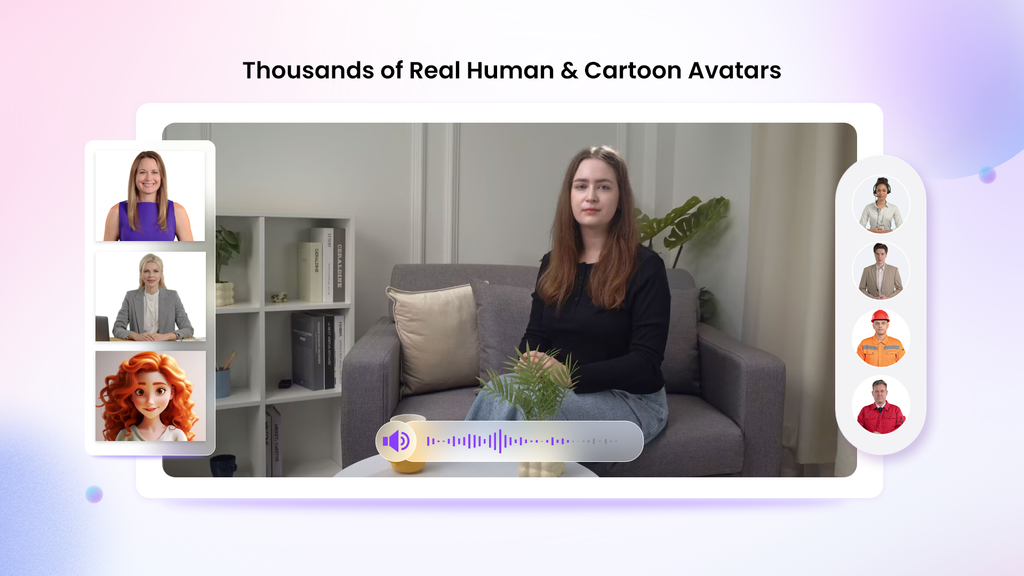
Video production can be delayed by the time required to find presenters and arrange for video sessions. Vidnoz AI provides a large collection of lifelike avatars representing different professions and roles.
Avatar Lite offers faster digital-twin production and Custom Avatar Pro offers more features such as flexible backgrounds. Users have the ability to create a digital twin that looks and sounds like themselves with the capacity to speak in over 40 different languages.
Motion Avatars bring automated full-body motions such as gestures, posture and expressions. These can also be applied in various cartoon styles. Expressive Avatars with natural gestures and facial movements make presentations feel livelier through realistic expressions, smooth movements, and subtle body language.
Get 30 Credits for Free
There is no need to start with a paid subscription for businesses. Vidnoz AI also provides a free plan with 30 free credits a day. This allows users to have a chance to become familiar with the platform and how the tools function before deciding on a proper paid platform.
Which Video Tasks Can Businesses Make Faster?
Using AI for video creation is not only a timesaver in marketing. It can also benefit you in other ways. Teams may only have to edit out the script and scenes that need to be changed rather than creating an entirely new video. You can use Vidnoz AI for multiple purposes such as
- Employee learning: Develop training videos and work procedures without having to duplicate the delivery.
- Social media content: Make short promo videos, announcements, and other helpful tips for various social media.
- Service explanations: Provide a simple explanation of a service using a video that is presented by the service provider.
How to Create a Video With Vidnoz AI in Four Steps?
Here are the simple steps you can follow to use Vidnoz AI
Choose a Starting Design
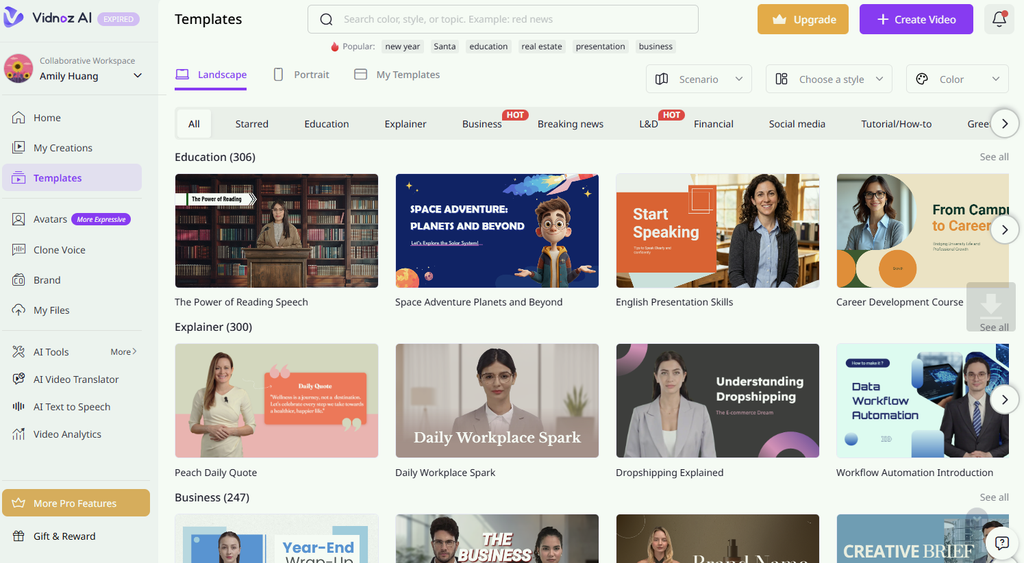
Log into Vidnoz AI video generator and browse the templates. Choose a layout that will be appropriate for the purpose of your video. If you require a presenter, choose an avatar. If you choose to use an existing design, preparation time can be shortened.
Add Your Written Message and Voice
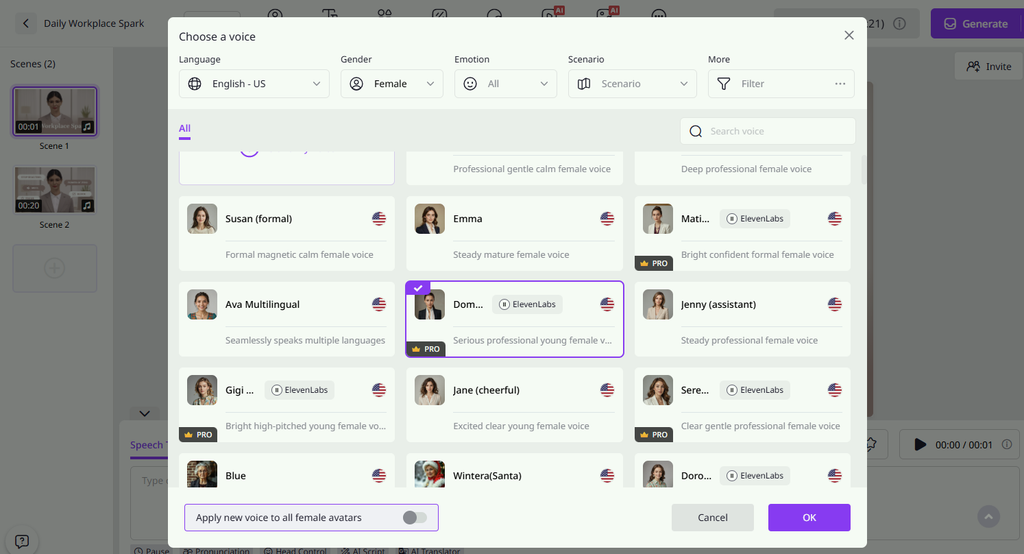
Prepare a short script explaining the main idea. Drag it into the project and select an AI voice in the language and style that you want. Read through the narration to listen for any sounds before proceeding.
Make the Video Look Like Your Brand
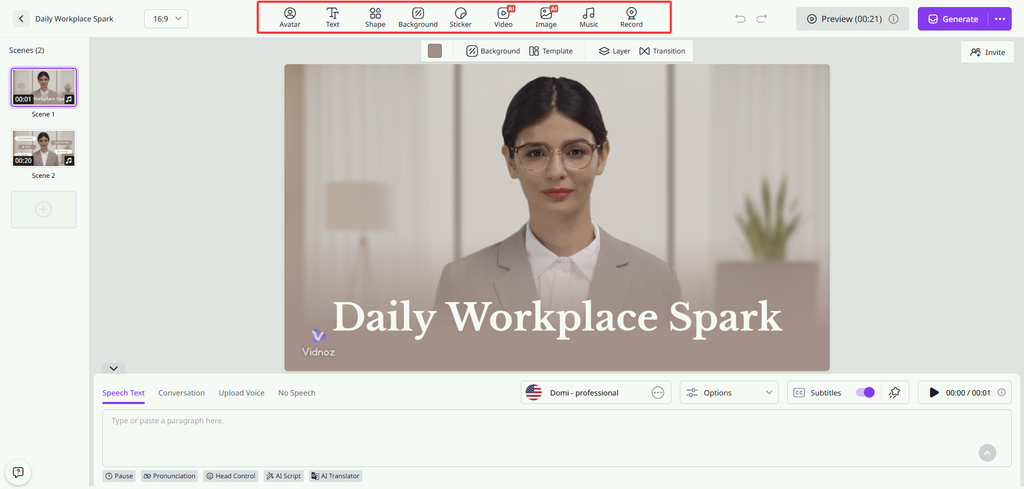
Include your logo, product photos, captions, and other graphics. Modifications of the scenes & text to ensure message is easy to follow. Do not spend too much time on unnecessary effects. Keep the design simple.
Generate and Prepare It for Sharing
Create the final video and edit the sound, word choice, timing, and graphics. When it looks good, export the file and post it via your website, social media pages, e-mail newsletters or internal communication.
Final Thoughts
Creating videos does not have to involve long steps. AI tools can help businesses reduce repetitive tasks and make video production easier to manage. Vidnoz AI brings amazing features and video editing options in one platform. Businesses can spend less time handling production and more time focusing on customers, products, and daily operations.