
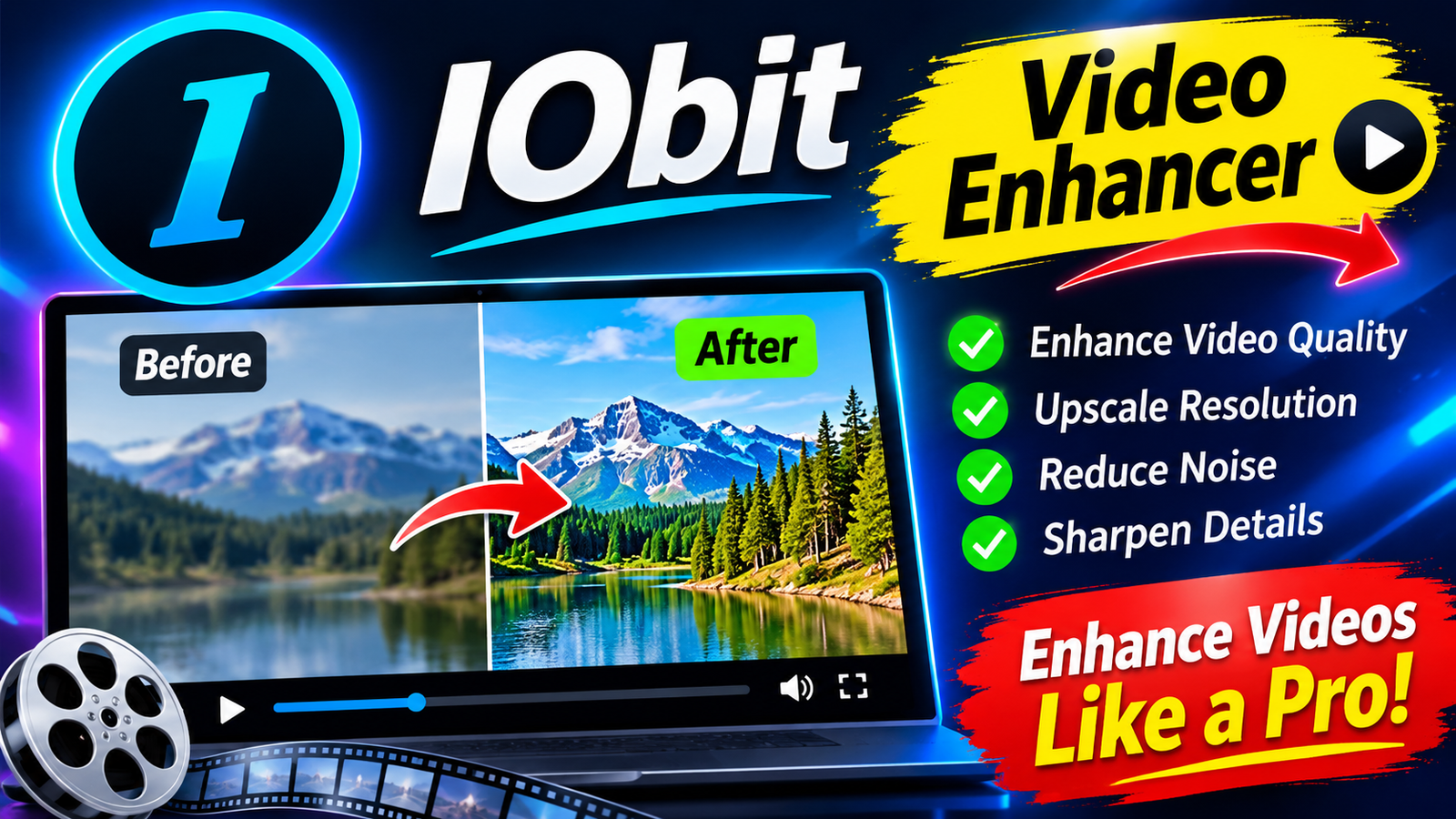
Videos have become an important part of modern digital communication. People create videos for social media, educational projects, business presentations, personal memories, and entertainment. However, recording a video does not always guarantee excellent results. Sometimes footage looks blurry, colors appear dull, lighting is uneven, or playback quality does not meet expectations. Improving these details can make a noticeable difference in how viewers experience digital content.
Fortunately, modern software tools make video improvement more accessible. Instead of relying entirely on professional editing skills, users can explore different applications and technologies to improve their footage. IObit is a software brand known for developing tools that help users maintain and optimize their computers. Its software ecosystem also makes it relevant to discussions about improving overall digital workflows.
Why Video Quality Matters
Video quality influences how people understand and enjoy visual content. A clear recording helps viewers focus on the subject instead of struggling with distracting visual problems. This is particularly important for content creators, online educators, marketers, and businesses.
For example, a company presenting a product through a promotional video needs sharp visuals and balanced colors to communicate its message effectively. Similarly, someone recording a tutorial wants every important detail to remain visible throughout the presentation.
Poor-quality footage can reduce audience engagement, even when the original content is valuable. Improving brightness, contrast, sharpness, and other visual elements can help create a more professional appearance.
Understanding the Role of a Video Enhancer
A video enhancer is a software solution designed to improve the visual appearance of existing video footage. Depending on the application’s capabilities, it may offer tools for adjusting brightness, contrast, saturation, sharpness, resolution, and other image properties.
Some advanced solutions also use artificial intelligence to analyze video frames and improve visual details automatically.
These technologies can be useful when working with older recordings, smartphone videos, downloaded clips, or footage captured under challenging lighting conditions.
However, not every video has the same problems. A dark recording requires different adjustments from footage that looks oversaturated or lacks sharpness. Understanding the original issue helps users select the right enhancement approach.
How IObit Supports a Better Digital Experience
IObit develops software focused on computer maintenance, performance optimization, security, and everyday system management. Its products are designed to help users maintain smoother computer operation and manage common technical problems.
Although computer optimization and video editing are different activities, they can influence the same creative workflow.
For instance, video editing software may require considerable system resources, particularly when handling high-resolution footage. A computer affected by unnecessary background applications or limited storage space may struggle during demanding tasks.
IObit’s computer maintenance solutions can help users manage certain system performance issues. Keeping a computer organized and maintaining available storage can contribute to a more comfortable working environment.
Users should remember that system optimization software does not automatically improve the visual quality of a video. Actual footage enhancement requires suitable video editing or enhancement tools.
Common Video Problems and Their Solutions
Before selecting an enhancement application, it helps to identify the most common problems found in digital recordings.
1. Blurry Footage
Blur can result from camera movement, incorrect focus, or recording limitations. Sharpening tools may improve the appearance of some details, although heavily blurred footage cannot always be restored completely.
2. Poor Lighting
Videos recorded in dark environments may contain hidden details and excessive visual noise. Adjusting exposure, brightness, and shadows can sometimes make the subject easier to see.
3. Unbalanced Colors
Incorrect color settings can make footage appear too warm, too cold, or unnatural. Color correction tools allow users to adjust temperature, saturation, and contrast.
4. Visual Noise
Low-light recordings often contain unwanted grain or colored spots. Noise reduction features can help produce cleaner-looking footage, although excessive processing may remove important details.
5. Low Resolution
Older recordings may have fewer pixels than modern displays require. Certain AI-powered tools attempt to upscale videos, but the final results depend on the original footage and enhancement technology.
Benefits of Using Modern Video Enhancement Technology
Modern editing applications provide features that make visual improvements easier for beginners and experienced creators.
One major advantage is accessibility. Users no longer need extensive technical knowledge to perform basic adjustments. Many applications include automatic settings that analyze footage and recommend improvements.
Another benefit is workflow flexibility. Creators can experiment with different settings, compare the original recording with the edited version, and select the result that looks most natural.
AI-powered enhancement is another developing area. Depending on the software, artificial intelligence may help reduce noise, improve facial details, increase resolution, or adjust visual elements across multiple frames.
These capabilities can save time when working with large collections of recordings.
Preparing Your Computer for Video Editing
Video editing can place significant demands on computer hardware. High-resolution files require more processing power, memory, and storage than ordinary documents or images.
Before starting a large editing project, users should consider a few practical steps.
- Remove unnecessary temporary files to create additional storage space.
- Close applications that are not required during editing.
- Keep graphics drivers and operating system components updated.
- Check available RAM and storage capacity.
- Use a suitable editing application for the computer’s hardware.
- Save project files regularly to avoid losing progress.
IObit offers computer maintenance utilities that may help users address certain system management tasks. For example, its tools can assist with cleaning unnecessary files, managing startup applications, and maintaining general computer performance.
A well-maintained system can make creative work more convenient, although actual editing performance also depends on hardware specifications and software requirements.
Choosing the Right Video Enhancement Software
Selecting the right tool depends on the type of content being edited and the improvements required.
Beginners may prefer an application with automatic enhancement options and a simple interface. Experienced editors might need manual controls for color grading, noise reduction, stabilization, and detailed adjustments.
Before installing any software, consider these factors:
Ease of use: The interface should make important features easy to locate.
Supported formats: Check whether the application supports your existing video files.
Export quality: Make sure the software offers suitable resolution and format options.
Processing speed: Consider how efficiently it handles larger recordings.
Available features: Compare the enhancement options with your actual editing requirements.
Pricing: Review free and paid features before purchasing a subscription.
Reading software documentation and testing available trial versions can help users make a more informed decision.
Practical Tips for Creating Better Videos
Software can improve existing footage, but good recording habits make the editing process easier.
Start by recording in sufficient lighting whenever possible. Natural light can produce attractive results, while a stable camera position helps reduce unwanted movement.
Choose an appropriate resolution and frame rate according to the intended platform. For example, short social media videos may have different requirements from professional presentations or educational recordings.
It is also helpful to maintain consistent colors across different clips. This creates a smoother viewing experience when combining multiple recordings into one project.
Finally, avoid applying too many filters or enhancement effects. Excessive sharpening, saturation, or contrast can make footage look artificial. Natural-looking results are often more effective.
The Future of Video Enhancement
Video technology continues to develop as artificial intelligence and image-processing methods become more advanced. Future applications may offer faster processing, improved automatic corrections, and better tools for restoring older recordings.
These developments can benefit independent creators, businesses, teachers, and everyday users who want to produce attractive digital content.
At the same time, computer performance will remain important. Efficient software, updated hardware, and proper system maintenance will continue to support demanding creative projects.
Conclusion
Creating high-quality videos involves more than simply recording footage. Lighting, resolution, color accuracy, editing techniques, and computer performance all contribute to the final result.
A capable video enhancer can help users improve existing recordings, correct common visual problems, and create more appealing content. Meanwhile, IObit provides computer maintenance and optimization utilities that can support a smoother digital working environment.
By combining appropriate editing software with regular computer maintenance and better recording habits, users can develop a more efficient content creation process and produce videos that look clearer, more polished, and more professional.