
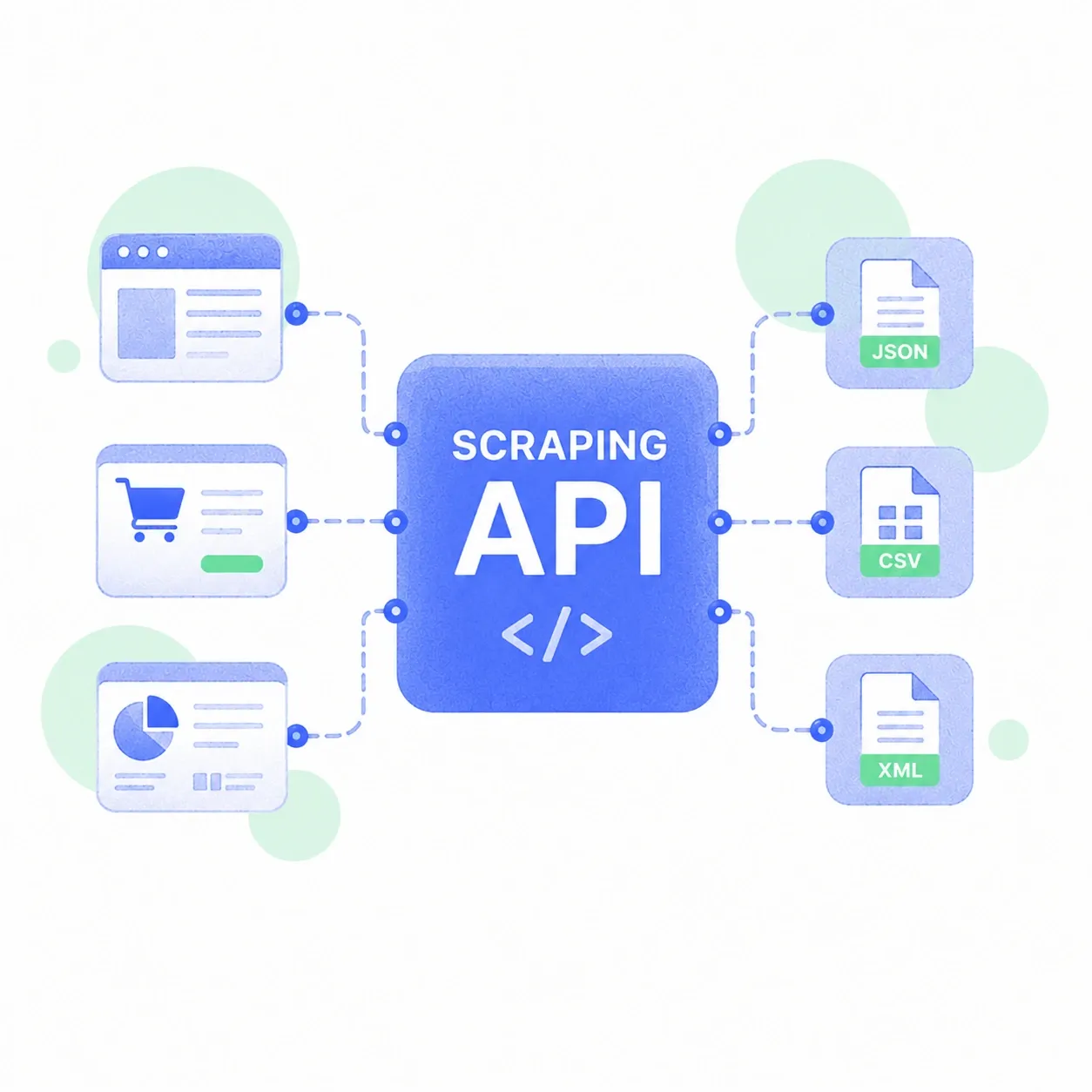
Collecting information from websites can start with a simple script. However, running that script across hundreds of pages introduces technical problems. Connections fail and website layouts change without any advance notice. Your developers must spend time fixing these issues repeatedly.
A web scraping api handles several parts of this process automatically. Let us examine what happens behind each request.
1. Proxy Management: Handling IP Connections
When your scraper requests information, websites receive its connecting IP address. Sending many requests through one address can trigger rate limits.
Some APIs manage proxy connections through their own infrastructure. Your team can select supported locations without maintaining individual proxy servers.
For example, Zyte API documentation describes options for choosing IP types and geographic locations.
However, proxy management does not grant permission to access restricted websites. Your requests must still follow applicable website rules and authorization requirements.
2. Automatic Retries: Handling Failed Requests
Not every website request succeeds on its first attempt. Temporary network failures can interrupt your scheduled data collection.
An API may retry failed connections under configured conditions. However, your system must distinguish temporary failures from permanent errors.
According to MDN’s HTTP documentation, a 429 response indicates excessive requests. The server may provide a Retry-After header specifying when another request is permitted.
Your application should respect those instructions instead of repeatedly requesting blocked pages.
Some API services also manage retry delays automatically. Check their documentation to understand which failures receive additional attempts.
3. JavaScript Rendering: Loading Dynamic Website Content
Many websites load product information through JavaScript after opening. A basic HTML request might miss prices or availability details.
Browser rendering allows your scraper to access content generated during page loading.
For example, Zyte’s documentation supports browser-rendered HTML alongside ordinary HTTP responses. You can choose the appropriate method for your target pages.
However, browser rendering consumes additional resources and may increase costs. Test ordinary HTTP collection first when the content is already available.
4. Data Parsing: Turning Pages Into Usable Records
Raw HTML contains more information than most businesses actually need. Your application might require only product names and prices.
A scraping API can extract supported fields into structured records. Some providers return JSON containing the requested information.
Before using extracted records, check these details:
- Confirm that prices include the correct currency and measurement units.
- Check whether important fields contain missing or incorrect values.
- Identify duplicate products before calculating average prices across stores.
- Record collection dates to distinguish current information from older records.
Your team still needs to validate results before using them.
Why Does This Infrastructure Matter?
In its 2025 Year in Review, Cloudflare reported that AI bots generated 4.2% of HTML requests across its customer network. The figure demonstrates the scale of automated website activity.
For businesses collecting permitted data, managing infrastructure can consume developer hours.
What Does Your Team Still Handle?
A managed API cannot decide which information your business needs. You must select approved sources and verify collection permissions.
Your team also handles data storage and quality checks. Compare provider costs against your expected request volume before subscribing.
A web scraping api can reduce repetitive technical work. However, reliable results still depend on responsible collection practices and proper validation.
A web scraping API replaces the fragile backend infrastructure required to extract web data by bundling proxy routing, request retries, browser rendering, and HTML parsing into a single endpoint. Instead of managing headless browser clusters and IP pools yourself, you send a target URL and receive clean data back.
Here is what happens behind the scenes across those four core layers:
Proxies and Anti-Bot Evasion
Websites track incoming traffic and block IP addresses that make rapid or automated requests.