
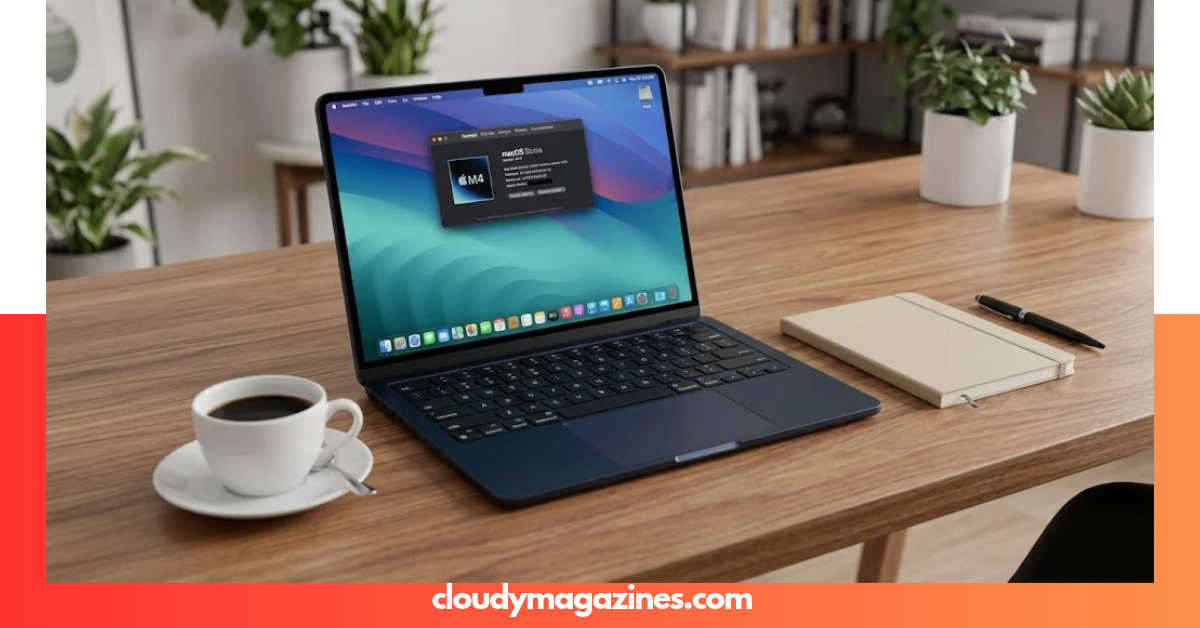
Choosing the right laptop can be difficult when you need strong performance, long battery life, and a lightweight design without spending more than necessary. A laptop with limited memory or storage can also slow down your work as your needs grow. The Apple MacBook Air with the M4 chip aims to solve these problems with fast processing, a sharp display, and a portable design. Understanding the macbook air m4 specs will help you decide whether this laptop suits your studies, office work, creative projects, or everyday needs.
What Are the MacBook Air M4 Specs?
The MacBook Air M4 is Apple’s 2025 lightweight laptop, available in 13-inch and 15-inch models. It combines the Apple M4 chip with a fanless design, a Liquid Retina display, and up to 18 hours of advertised video-streaming battery life.
Apple introduced this generation on March 5, 2025, with availability beginning March 12, 2025. The main upgrades include 16GB of starting unified memory, a 12MP Center Stage camera, and support for two external displays alongside the built-in screen.
Here is a quick overview of the macbook air m4 specs.
| Specification | MacBook Air 13-inch M4 | MacBook Air 15-inch M4 |
| Release year | 2025 | 2025 |
| Processor | Apple M4 chip | Apple M4 chip |
| CPU | 10-core CPU | 10-core CPU |
| GPU | 8-core or 10-core | 10-core |
| Neural Engine | 16-core | 16-core |
| Display | 13.6-inch Liquid Retina | 15.3-inch Liquid Retina |
| Resolution | 2560 × 1664 | 2880 × 1864 |
| Brightness | Up to 500 nits | Up to 500 nits |
| Starting memory | 16GB unified memory | 16GB unified memory |
| Maximum memory | 32GB | 32GB |
| Starting storage | 256GB SSD | 256GB SSD |
| Maximum storage | 2TB SSD | 2TB SSD |
| Camera | 12MP Center Stage | 12MP Center Stage |
| Battery rating | Up to 18 hours of video streaming | Up to 18 hours of video streaming |
| Charging | MagSafe 3 and USB-C | MagSafe 3 and USB-C |
| Wireless connectivity | Wi-Fi 6E, Bluetooth 5.3 | Wi-Fi 6E, Bluetooth 5.3 |
| External displays | Up to two 6K displays | Up to two 6K displays |
| Colors | Sky Blue, Silver, Starlight, Midnight | Sky Blue, Silver, Starlight, Midnight |
| Cooling | Fanless | Fanless |
Specifications are based on Apple’s published technical information. Available configurations, included power adapters, and regional offerings may vary.
Source: Apple’s official MacBook Air M4 technical specifications.
Apple M4 Chip: CPU, GPU, and Neural Engine
The M4 chip is the central part of the MacBook Air’s performance. It combines the CPU, GPU, memory architecture, and Neural Engine in one system-on-a-chip design.
CPU performance
The M4 features a 10-core CPU with four performance cores and six efficiency cores. Performance cores handle demanding tasks, while efficiency cores help manage lighter workloads with lower power consumption.
This design makes the laptop suitable for activities such as:
- Running several browser tabs and applications.
- Working with large spreadsheets and documents.
- Editing photos and everyday videos.
- Writing code and testing smaller software projects.
- Switching between meetings, research, and productivity tools.
GPU and graphics
The 13-inch model is available with an 8-core or 10-core GPU, while the 15-inch model uses a 10-core GPU. The M4 also supports hardware-accelerated ray tracing, which improves the handling of supported lighting and reflection effects in compatible games and creative applications.
For students, designers, and casual gamers, these graphics capabilities provide useful flexibility. However, demanding 3D production and extended high-performance workloads may benefit more from a MacBook Pro with active cooling.
Neural Engine and AI features
The 16-core Neural Engine accelerates supported machine-learning tasks. It helps power compatible features in photo editing, speech processing, and Apple’s AI software.
The macbook air m4 specs make this laptop a strong option for people who want modern processing capabilities without moving to a heavier professional computer.
MacBook Air M4 Display Specifications
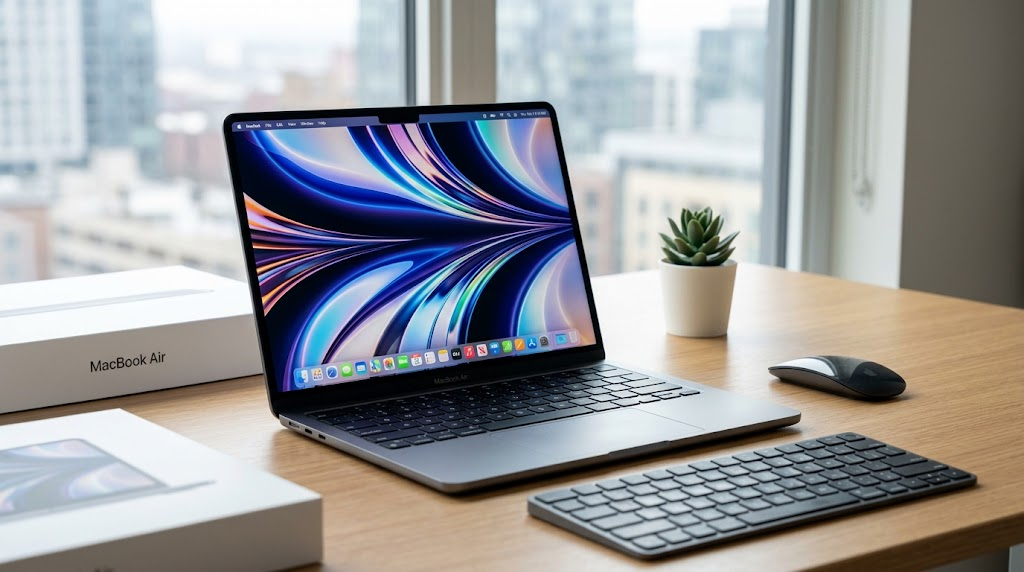
Apple offers two display sizes to meet different needs. Both use Liquid Retina technology and support a wide P3 color gamut, True Tone, and up to 500 nits of brightness.
| Display feature | 13-inch model | 15-inch model |
| Diagonal size | 13.6 inches | 15.3 inches |
| Resolution | 2560 × 1664 | 2880 × 1864 |
| Pixel density | 224 pixels per inch | 224 pixels per inch |
| Maximum brightness | 500 nits | 500 nits |
| Color support | One billion colors | One billion colors |
| Color technology | Wide P3, True Tone | Wide P3, True Tone |
| Display type | LED-backlit IPS | LED-backlit IPS |
Which display size should you choose?
The 13-inch model is better for people who travel frequently, carry their laptop to university, or work in small spaces. Its compact screen makes the computer easier to carry and store.
The 15-inch model provides more screen space for editing timelines, viewing documents side by side, and managing several windows. If you regularly work without an external monitor, the larger display can improve everyday comfort.
Both models have sharp text and vivid colors. Neither offers the higher refresh rates found on certain premium laptops, so users who specifically want a high-refresh-rate display should compare alternatives before buying.
Memory and Storage Options
Memory and storage are two of the most important macbook air m4 specs to consider before choosing a configuration. They affect how comfortably you can multitask and how much data you can keep on the computer.
Unified memory
The base configuration includes 16GB of unified memory. Buyers can configure the laptop with 24GB or 32GB, depending on the model and available options.
Unified memory serves both the CPU and GPU. Because it is integrated into Apple’s chip architecture, you cannot upgrade it like traditional laptop RAM after purchase.
- 16GB: Suitable for students, office workers, everyday multitasking, and moderate photo editing.
- 24GB: A useful middle option for heavier multitasking, development tools, and larger creative projects.
- 32GB: Worth considering for demanding workflows, larger projects, and professional applications that use more memory.
SSD storage
The standard storage option starts at 256GB, with 512GB, 1TB, and 2TB configurations available.
| Storage capacity | Best suited for |
| 256GB SSD | Documents, web applications, and light everyday use |
| 512GB SSD | Students, office work, and a larger collection of applications |
| 1TB SSD | Frequent video editing, large media libraries, and creative projects |
| 2TB SSD | Large local files, extensive project archives, and demanding storage needs |
Remember that macOS, installed applications, and system files use part of the advertised storage. If you plan to store many videos or large creative projects, a 512GB or 1TB configuration may offer better long-term value.
Since neither memory nor internal storage is designed for user upgrades, choose a configuration that fits your expected needs over the next few years.
Battery Life and Charging
Battery life is one of the main attractions of the MacBook Air M4. Apple advertises up to 18 hours of video streaming and up to 15 hours of wireless web browsing, although actual results depend on settings and workload.
Battery performance can change with screen brightness, video calls, background applications, wireless activity, and demanding creative software. Treat Apple’s figures as test-based estimates rather than a guarantee that every user will achieve the same results.
Charging options
The laptop includes MagSafe 3 charging and two Thunderbolt 4 USB-C ports. This arrangement allows you to charge the computer through MagSafe while keeping both USB-C ports available for compatible accessories.
The 13-inch model’s included power adapter depends on its GPU configuration. The 15-inch model includes a 35W dual USB-C port compact power adapter in Apple’s listed configuration. Both models support fast charging with a compatible 70W USB-C power adapter.
For students and mobile professionals, the combination of good battery endurance and a lightweight design reduces the need to carry a charger everywhere.
Design, Dimensions, Weight, and Colors
Apple uses an aluminum unibody enclosure for both MacBook Air M4 models. The slim construction and fanless cooling system help create a clean design that works well in offices, classrooms, libraries, and shared workspaces.
| Design specification | 13-inch MacBook Air M4 | 15-inch MacBook Air M4 |
| Height | 1.13 cm | 1.15 cm |
| Width | 30.41 cm | 34.04 cm |
| Depth | 21.5 cm | 23.76 cm |
| Weight | Approximately 1.24 kg | Approximately 1.51 kg |
| Enclosure | Aluminum | Aluminum |
| Cooling system | Fanless | Fanless |
Available colors
Both models are available in four finishes:
- Sky Blue: A metallic light-blue finish introduced with this generation.
- Midnight: A dark finish with a modern appearance.
- Starlight: A warm, light metallic shade.
- Silver: A classic aluminum look.
The best color is a matter of personal preference. If you carry your laptop frequently, weight and size may matter more than the finish.
Camera, Microphones, and Speakers
The MacBook Air M4 includes a 12MP Center Stage camera, an important upgrade for people who regularly attend online meetings or video calls.
Center Stage helps keep the user in view as they move within the camera’s field of view. The camera also supports Desk View, which can show a top-down view of a desk setup during compatible calls.
Other audio and communication features include:
- A three-microphone array for voice capture.
- Voice clarity enhancements for compatible calls.
- A sound system with Spatial Audio support.
- Dolby Atmos support for compatible content.
- A 3.5mm headphone jack for wired headphones.
These features make the laptop useful for remote work, online classes, presentations, and entertainment without requiring separate accessories for every task.
Ports and Connectivity
The MacBook Air M4 includes essential ports for charging, external displays, storage devices, and headphones. However, it does not offer the large selection of ports available on some professional laptops.
| Port or wireless feature | Specification | Main purpose |
| MagSafe 3 | Magnetic charging connector | Dedicated charging |
| Thunderbolt 4 | Two USB-C ports | Data transfer, charging, and display output |
| USB 4 | Supported through USB-C | Compatible high-speed accessories |
| DisplayPort | Supported through USB-C | External monitors |
| Headphone jack | 3.5mm | Wired audio |
| Wi-Fi | Wi-Fi 6E | Wireless networking |
| Bluetooth | Bluetooth 5.3 | Wireless peripherals |
Can the MacBook Air M4 connect to two external monitors?
Yes. The MacBook Air M4 supports up to two external displays with resolutions of up to 6K at 60Hz, in addition to its built-in display.
This is helpful for programmers, analysts, office workers, and content creators who prefer a multi-monitor workspace. You may need compatible cables, adapters, or a dock depending on your monitor connections.
Before buying accessories, check the display’s resolution, refresh rate, and connection type to confirm compatibility.
Keyboard, Trackpad, and Security Features
The MacBook Air M4 uses Apple’s backlit Magic Keyboard with a full-height function row. Its large Force Touch trackpad supports familiar macOS gestures, making it practical for people who prefer working without an external mouse.
Touch ID is built into the keyboard. It lets supported users unlock their computer, authenticate compatible purchases, and sign in to supported apps without entering a password every time.
Other practical benefits include:
- Keyboard backlighting for dim environments.
- A dedicated row of function keys.
- Multi-touch gestures for navigation.
- Touch ID authentication.
- Apple Pay support in compatible locations and services.
These features are useful for daily productivity, although external keyboards and mice remain options for users who prefer a traditional desktop setup.
macOS and Apple Intelligence Support
The MacBook Air M4 launched with macOS Sequoia and support for Apple Intelligence. Supported features can include writing assistance, image creation tools, Genmoji, and improvements to selected system applications.
Apple Intelligence availability depends on the operating system version, device settings, language, and region. Some functions may not be available in every country or language, so check Apple’s current compatibility information before purchasing a computer mainly for a specific AI feature.
The laptop also supports common productivity and creative software, including compatible versions of Microsoft Office, Adobe Photoshop, Final Cut Pro, and development tools. Individual applications have their own hardware, software, and subscription requirements.
For buyers comparing the macbook air m4 specs, software compatibility deserves as much attention as the processor. Confirm that your essential apps support macOS and Apple silicon before switching from Windows.
MacBook Air M4 Performance for Everyday Work
The M4 chip is designed to handle a broad mix of everyday and creative workloads. Its performance will vary according to the application, project size, memory configuration, and thermal demands.
| Task | Expected suitability | Helpful buying advice |
| Web browsing | Excellent | 16GB memory is a sensible starting point |
| Online classes | Excellent | The camera and battery features are useful |
| Office documents | Excellent | Base storage may be enough for light users |
| Programming | Very good | Consider 24GB or 32GB for heavier workloads |
| Photo editing | Very good | More memory and storage help with large libraries |
| 4K video editing | Good for suitable projects | Consider 512GB or more and additional memory |
| Casual gaming | Good for compatible titles | Check game availability and graphics requirements |
| Heavy 3D rendering | Depends on workload | Compare MacBook Pro and workstation options |
| Long-running intensive tasks | Depends on workload | Active cooling may benefit sustained performance |
Is the MacBook Air M4 good for video editing?
Yes, it can handle many video-editing projects, including suitable 4K workflows in compatible applications. Its hardware media engines accelerate supported video formats, while the unified memory architecture helps compatible creative software work efficiently.
For occasional videos, social media content, and moderate editing, the Air can be a practical choice. Professionals who regularly render complex projects, work with extensive effects, or perform long sessions of intensive editing should also evaluate MacBook Pro models.
MacBook Air M4 Price and Value
Apple announced US starting prices of $999 for the 13-inch model and $1,199 for the 15-inch model in March 2025. These are historical launch prices, not a guarantee of current retail pricing.
Actual prices depend on memory, storage, retailer discounts, taxes, warranty terms, and location. In Pakistan, import costs and reseller pricing can create significant differences between sellers.
When comparing offers, check the following:
- Exact screen size and chip configuration.
- Memory and SSD capacity.
- Whether the device is new, used, or refurbished.
- Warranty coverage and the seller’s return policy.
- Included charger and accessories.
- Keyboard layout and regional configuration.
- The final price in Pakistani rupees, including applicable charges.
A lower price is not always the better deal if the laptop has limited storage, unclear warranty coverage, or a questionable seller history.
For an accurate purchase decision, compare current local offers rather than relying on the original US launch price.
MacBook Air M4 vs. MacBook Air M3
The MacBook Air M4 builds on the previous M3 generation with a newer processor, a 12MP Center Stage camera, support for two external displays while using the built-in screen, and 16GB of starting unified memory.
| Feature | MacBook Air M4 | MacBook Air M3 |
| Processor | Apple M4 | Apple M3 |
| Starting unified memory | 16GB | 8GB on original base configurations |
| Maximum unified memory | 32GB | 24GB |
| Camera | 12MP Center Stage | 1080p FaceTime HD |
| External displays | Up to two plus built-in screen | Up to two with the built-in screen off, or one with it on |
| Screen sizes | 13.6 and 15.3 inches | 13.6 and 15.3 inches |
| Fanless design | Yes | Yes |
The M4 is the stronger choice when you want the newer processor, improved camera, more flexible external-display support, or greater memory capacity. However, an M3 model at a substantial discount may still offer excellent value for everyday tasks.
If you already own an M3 MacBook Air and it meets your needs, an upgrade may not be necessary. The difference matters most when you need the M4’s specific improvements or your current laptop struggles with demanding workloads.
Who Should Buy the MacBook Air M4?
The MacBook Air M4 suits people who need a capable, portable computer for work, study, communication, and creative projects.
It is a strong choice for:
- Students: For assignments, research, presentations, and online classes.
- Office professionals: For documents, spreadsheets, email, and meetings.
- Freelancers: For writing, design, compatible development tools, and client work.
- Content creators: For photo editing and suitable video projects.
- Travelers: For a slim laptop with strong advertised battery life.
- Everyday users: For browsing, entertainment, and general productivity.
However, consider a MacBook Pro or another specialized laptop if you require sustained high-performance processing, more built-in ports, advanced graphics, or a display with professional features that the Air does not provide.
Your choice should reflect the software you use, the size of your projects, and the amount you can comfortably spend.
What Are the Main Advantages and Disadvantages?
Before buying, compare the benefits with the limitations that could affect your everyday experience.
Advantages
- Fast M4 processing for everyday and many creative tasks.
- 16GB unified memory in the base configuration.
- Sharp Liquid Retina display with up to 500 nits of brightness.
- Up to 18 hours of advertised video-streaming battery life.
- Lightweight aluminum construction.
- Fanless operation with no cooling-fan noise.
- Improved 12MP Center Stage camera.
- Support for two external displays alongside the built-in display.
- Four color options.
- MagSafe charging and Thunderbolt 4 connectivity.
Disadvantages
- Memory and internal storage cannot be upgraded by the user.
- Only two Thunderbolt ports are available.
- No built-in HDMI port or SD card slot.
- Intensive sustained workloads may favor actively cooled laptops.
- Higher-memory and larger-storage configurations cost more.
- Apple Intelligence features vary by region and language.
- Gaming support depends on individual titles and macOS compatibility.
These trade-offs explain why the Air works well as a portable everyday computer but may not suit every professional workload.
Conclusion
The MacBook Air M4 combines modern Apple silicon performance, a high-quality display, long advertised battery life, and a lightweight fanless design. The 13-inch model prioritizes portability, while the 15-inch version provides more room for multitasking and creative work.
Review the macbook air m4 specs carefully before choosing your configuration. For most students and everyday professionals, 16GB of memory with 512GB of storage is a useful starting point if the budget allows. Users with larger projects should consider 24GB or 32GB of memory and more storage.
Check Apple’s official specifications, compare current retailer prices, and choose the model that matches your real workload. Have you used the MacBook Air M4, or are you deciding between the 13-inch and 15-inch versions? Share your experience or question to help other buyers make an informed choice.
Frequently Asked Questions
1. What are the main MacBook Air M4 specs?
The main specifications include an Apple M4 chip with a 10-core CPU, a 16-core Neural Engine, 16GB starting unified memory, SSD storage starting at 256GB, and a Liquid Retina display. Apple offers 13-inch and 15-inch versions, with up to 18 hours of advertised video-streaming battery life.
2. Is the MacBook Air M4 good for students?
Yes. It is suitable for research, assignments, presentations, online classes, web browsing, and many productivity applications. Its lightweight construction and battery life make it practical for campus use, while 16GB of starting memory supports everyday multitasking.
3. How much RAM does the MacBook Air M4 have?
The base configuration includes 16GB of unified memory. You can configure supported models with 24GB or 32GB, but the memory cannot be upgraded after purchase.
4. How long does the MacBook Air M4 battery last?
Apple advertises up to 18 hours of video streaming and up to 15 hours of wireless web browsing. Actual battery life varies with screen brightness, applications, network activity, and workload.
5. Can the MacBook Air M4 run two external monitors?
Yes. It supports up to two external displays with resolutions of up to 6K at 60Hz while keeping the built-in display active. Compatible cables, adapters, or docks may be required.
6. Is the MacBook Air M4 worth buying?
It can be worth buying if you want a fast, portable laptop for study, office work, everyday multitasking, and suitable creative projects. Compare its current price with discounted M3 models and MacBook Pro alternatives, especially if you need more graphics power or sustained performance.